

Gemini Prompts for Website Planning and Service Page Content
A prompt-focused guide for using Gemini to plan business websites, service pages, FAQs, homepage sections, content structure and enquiry-focused CTAs.
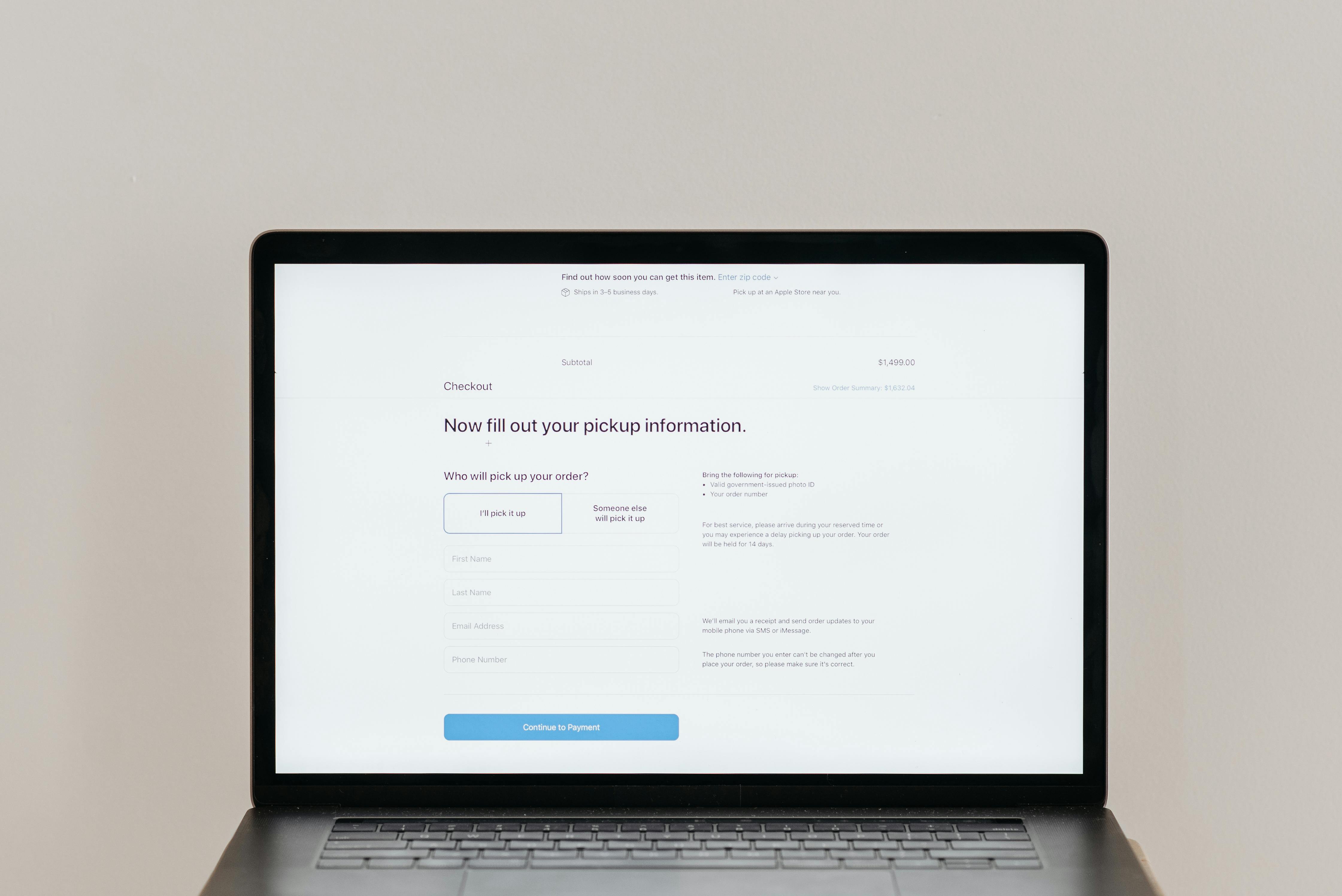
A good website prompt starts with business clarity
Gemini can help plan a website, but it cannot guess the business properly. Before asking for content, define the business type, target customer, location, services, proof, process and desired enquiry action. Without these details, the result may sound professional but still fail to explain the business.
A website is not just a collection of pages. It is a customer journey. The visitor lands on the homepage, checks services, looks for trust, reads FAQs and decides whether to enquire. Gemini should be used to strengthen that journey.
Website planning prompt template
Use this prompt: “Act as a website strategist. Create a page structure for a [business type] targeting [customer type] in [location or market]. The website goal is [goal]. Include homepage sections, service pages, FAQ topics, trust elements, blog ideas and CTAs. Avoid generic sections.”
| Prompt input | Example | Why it matters |
|---|---|---|
| Business type | Web development company | Defines industry |
| Audience | Small businesses needing leads | Controls message |
| Goal | Generate quote enquiries | Shapes CTA |
| Proof | Portfolio, testimonials, process | Builds trust |
| Services | Website, SEO, CRM, hosting | Creates page map |
Service page prompts
For service pages, ask Gemini to create structure before content. A strong service page should explain the problem, who the service is for, what is included, process, benefits, proof, FAQs and next step. If you ask for a full page immediately, the output may become long but shallow.
For example: “Create an outline for an ecommerce website development service page for Indian retailers. Include product catalogue, payment gateway, mobile design, checkout trust, SEO, product pages, admin panel and support questions.” This creates a useful direction for writing.
Using Gemini with Indian Web Services links
When a blog discusses website design, ecommerce, CRM, ERP, SEO, hosting or automation, the correct service link is https://indianwebservices.com/services. Use it only after giving useful advice, so the link feels like the next step rather than forced promotion.
Homepage prompt ideas
- Create five homepage headline options for a digital agency that builds websites and lead systems.
- Suggest trust sections for a company offering web development, SEO and software services.
- Write CTA options for business owners who want more website enquiries.
- Create a homepage flow for visitors who do not know which service they need.
- Find weak or generic lines in this homepage copy and rewrite them.
Review checklist
- Does the page explain the business clearly?
- Does every section help the visitor decide?
- Are service claims accurate?
- Is there a strong enquiry path?
- Are FAQs based on real customer doubts?
- Does the tone sound human and specific?
- Are links placed naturally?
Final thought
Gemini is useful for website planning when it is treated like a strategist’s assistant. Give it the business context first, then use human judgment to turn the output into publishable website content.
Different website pages need different prompts
A homepage prompt should focus on positioning and trust. A service page prompt should focus on customer pain, deliverables and process. A contact page prompt should reduce friction. A blog prompt should answer a specific question. If one generic prompt is used for every page, the website will feel flat.
For example, a homepage for a digital services company should communicate who the company helps, what problems it solves and why visitors should enquire. A service page for CRM development should explain lead tracking, sales stages, reminders, user roles and reporting. These are different jobs.
Gemini prompt examples for service businesses
- Create a service page outline for local SEO services targeting small businesses that want Google Maps visibility.
- Write FAQ ideas for ecommerce website development customers asking about payment gateways, product uploads and admin access.
- Create homepage section copy for a company offering websites, SEO, CRM, ERP, hosting and digital marketing.
- Rewrite this about page so it sounds trustworthy, not exaggerated.
- Suggest internal links from a blog article about lead generation to relevant business service pages.
How to turn prompts into publishable pages
The first Gemini output should rarely be the final page. Use it as a structure. Then add service proof, real process details, portfolio references, customer questions and accurate CTAs. Strong website content feels connected to the actual company, not only to the topic.
Before uploading, check whether the page explains what is included, what is not included, who it is for and what the next step is. If those points are missing, the page is not ready.
Content maintenance after launch
Website content should change when services, offers, processes or customer questions change. Gemini can help rewrite updates, but the business should maintain the source of truth. A CMS-managed website makes updates easier because approved content can be published without rebuilding the entire site.
How Gemini can support website revamping
For an existing website, Gemini can help identify weak pages before redesign. Paste non-sensitive page copy and ask: “What is unclear for a first-time visitor? What questions are unanswered? Which sections sound generic? What CTA should be stronger?” This helps the business improve the message before design work starts.
A website revamp should not only change colours and layout. It should improve service clarity, trust, SEO structure and enquiry flow. Gemini can support the content thinking, while designers and developers turn it into a working website.
What's Your Reaction?
 Like
0
Like
0
 Dislike
0
Dislike
0
 Love
0
Love
0
 Funny
0
Funny
0
 Wow
0
Wow
0
 Sad
0
Sad
0
 Angry
0
Angry
0









Comments (0)