

iPhone Privacy Guide: App Tracking, Location, Photos, Microphone and Safety Settings
An iPhone privacy guide covering app tracking, location access, photo permissions, microphone and camera control, background activity, contacts and safer privacy habits.
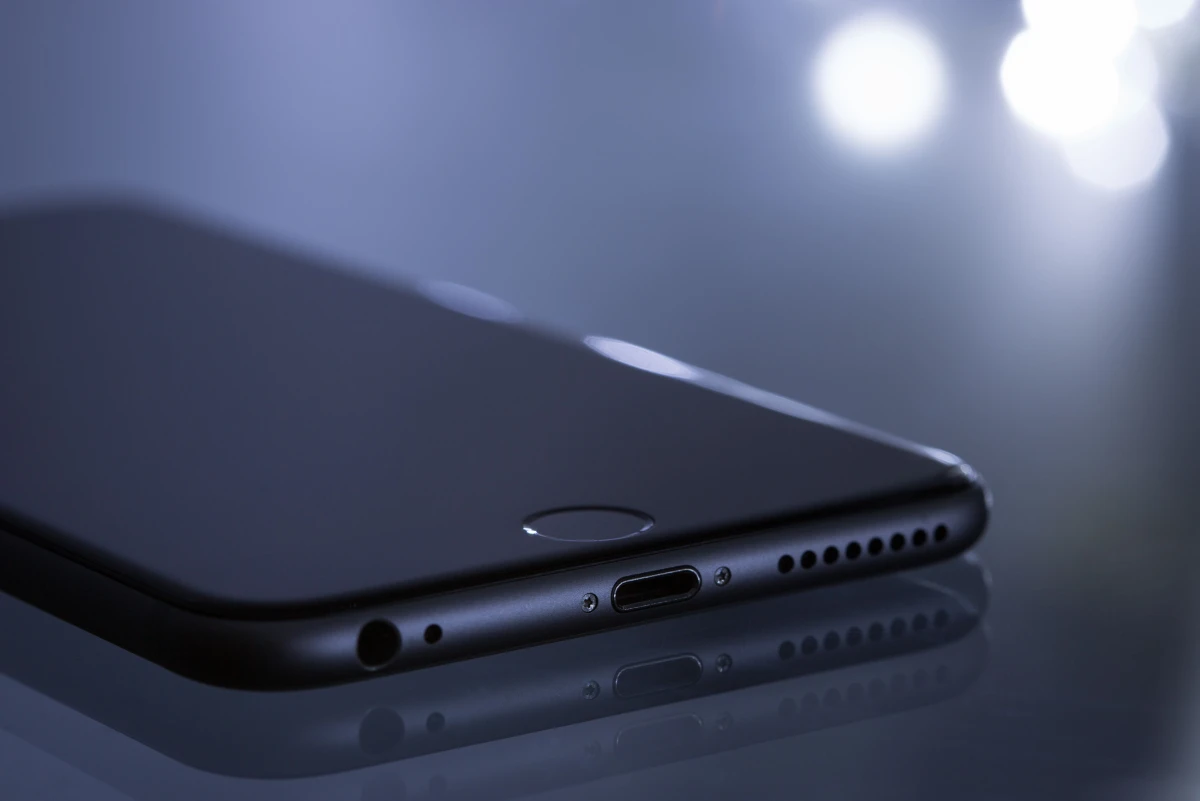
iPhone privacy settings are powerful, but many users accept permissions quickly and never review them again. A good privacy guide should help users understand tracking, location, photos, microphone, camera, contacts and background access without turning everything into fear.
Give apps only the access they actually need. Review tracking, location, photo access, microphone and camera permissions after installing new apps or seeing unusual behavior.
Review app tracking choices
App tracking prompts can be confusing. Users should understand that allowing tracking may connect activity across apps or websites, while denying it can reduce that behavior.
Control location access
Some apps need location while in use, but many do not need precise or always-on access. Review maps, delivery, shopping, weather and social apps carefully.
Limit photo access
Some apps need selected photos, not the entire library. Limited photo access helps users share what is needed without opening all personal images.
Check microphone and camera usage
Camera and microphone access should match the app’s purpose. A meeting app may need both, while a coupon app or game usually does not.
Remove apps that no longer deserve trust
Unused apps with sensitive permissions should be removed. Privacy improves when old apps are cleaned out.
iPhone guide scorecard
| Guide area | Good sign | Warning sign |
|---|---|---|
| Tracking | Choices understood | Prompts accepted blindly |
| Location | Access fits app purpose | Always-on location ignored |
| Photos | Limited access used when enough | Full library opened casually |
| Mic/camera | Sensitive access reviewed | Random apps allowed |
| Cleanup | Unused apps removed | Old permissions remain |
Clean action checklist
- Open Privacy and Security settings.
- Review app tracking permissions.
- Check location access.
- Use selected photo access when possible.
- Review microphone and camera permissions.
- Remove unused apps.
- Check contacts access.
- Review background app refresh.
- Recheck after installing new apps.
- Use privacy controls calmly.
Why this guide matters
- This guide is useful because privacy settings are often accepted once and forgotten.
- The article should explain permissions in plain language, not technical fear.
- Photo access is important because personal memories, documents and screenshots may be sensitive.
- Shared family or business phones need stricter permission habits.
- The final advice should make privacy review feel manageable.
Real-world guide flow
- Start by identifying the exact user problem before changing settings, deleting data or resetting the phone.
- Use built-in iPhone settings, iCloud, Find My and trusted official apps before trying extra tools.
- Protect photos, chats, payment apps and account access before cleanup, transfer, reset or repair decisions.
- Check recent changes such as iOS updates, new apps, low storage, chargers, travel, scam calls or permission prompts.
- Finish with one safe result the reader can verify immediately on the iPhone.
Detailed owner checklist
- Use this iphone privacy guide on the actual iPhone because habits, iCloud settings and Apple ID access change the result.
- Write down what changed before the issue appeared: new app, update, charger, trip, storage warning, payment message or support call.
- Avoid suspicious links, fake support numbers, risky repair tricks, unknown configuration profiles and unofficial app downloads.
- Back up important data before deleting files, removing apps, resetting settings, changing accounts or transferring phones.
- Check whether the phone is used for banking, business, family support or student work before making any risky change.
- Use Apple ID recovery, Find My, iCloud and privacy settings responsibly without trying bypass methods.
- Escalate to bank support, Apple support, carrier support or trusted service help when money, data or device safety is involved.
- Keep the final advice practical enough for parents, students, business owners and normal iPhone users.
Expanded iPhone impact checks
- Use App Privacy Report where available to understand recent app behavior instead of guessing.
- Give location access while using the app when constant access is not needed.
- Choose selected photos for apps that only need one image or document upload.
- Remove contacts access from apps that do not need address-book information.
- Check microphone access after installing meeting, recording, social or calling apps.
- Review camera access after installing scanner, shopping, finance or entertainment apps.
- Disable background refresh for apps that do not need constant updates.
- Remove old apps with sensitive permissions rather than only changing one setting.
- Review privacy again after major updates or new app installs.
- Teach shared-device users that privacy is about control, not fear.
Final publishing checks
- No jailbreak, activation-lock bypass, spyware, stolen-device, risky repair or unsafe financial instruction is included.
- The topic solves a real iPhone pain point instead of becoming a generic settings overview.
- The article is useful for search because it answers a specific problem with safe steps.
- The article can later be internally linked from Android, Windows, troubleshooting, privacy and beginner guide pages.
- The conclusion avoids live app rankings, current offers and brand-specific repair promises.
Business content note
Privacy-aware businesses can create responsible mobile safety guides and support pages with Indian Web Services services.
Final verdict
This iPhone privacy guide is built for strong practical effect because it helps users reduce unnecessary access without breaking useful app features.
Final reader-fit checks
- Review iPhone Privacy Guide: App Tracking, Location, Photos, Microphone and Safety Settings with a real iPhone user scenario before import.
- Keep the guide focused on one problem, one safe diagnosis path and one practical result.
Final import-ready completion
- Review privacy again after one week because people often allow permissions quickly during installation and forget them later.
- Keep a simple rule: if the permission does not match the app’s real job, pause and review before allowing it.
- Check privacy settings after installing shopping, finance, camera, meeting or editing apps because those apps often request sensitive access.
What's Your Reaction?
 Like
0
Like
0
 Dislike
0
Dislike
0
 Love
0
Love
0
 Funny
0
Funny
0
 Wow
0
Wow
0
 Sad
0
Sad
0
 Angry
0
Angry
0






Comments (0)