

WordPress Redesign: How to Revamp an Old Website Without Losing SEO and Leads
A WordPress redesign guide covering page audit, theme changes, URL protection, content migration, form testing, SEO checks and post-launch monitoring.
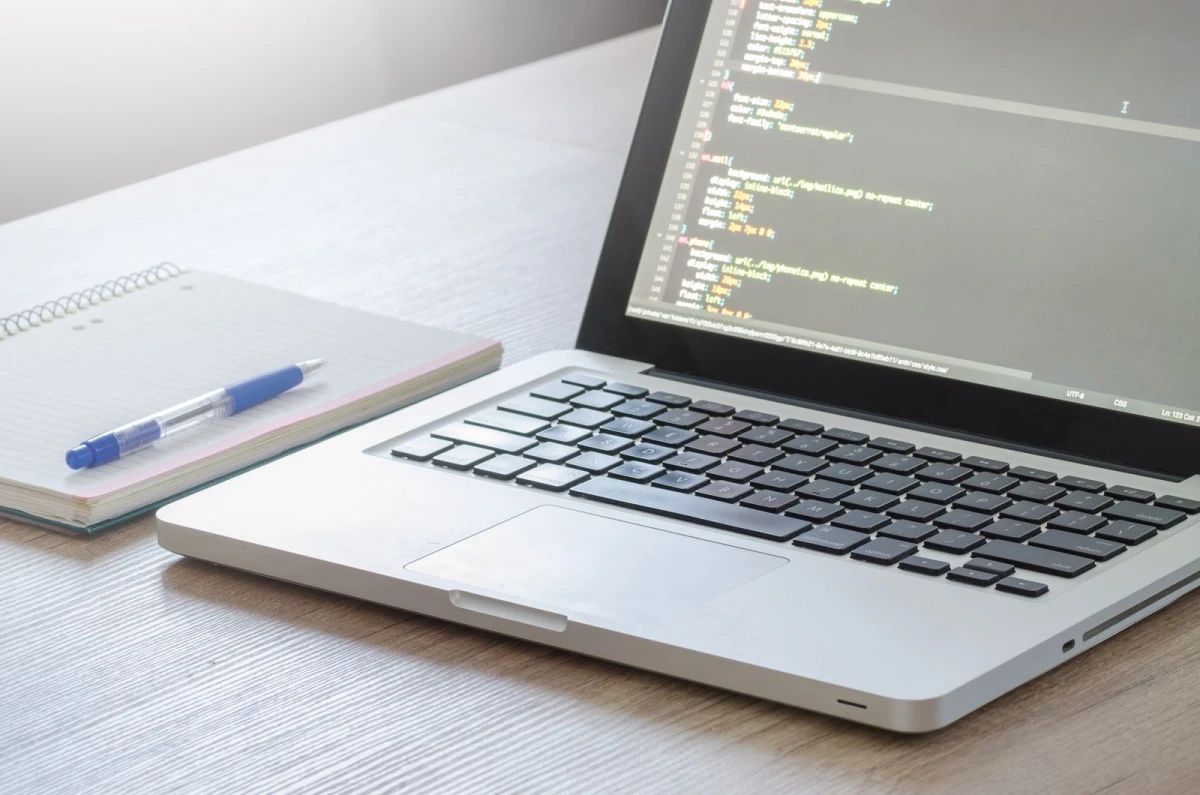
A WordPress redesign should protect what already works
Many old WordPress websites need redesign because they look outdated, load slowly, have weak mobile layout or use too many old plugins. Redesign is useful, but it can damage SEO and leads if pages, URLs, forms or content are removed carelessly.
Before changing theme or structure, audit the current website. Identify pages that bring traffic, leads, backlinks or trust. These pages should be preserved, improved or redirected properly.
Audit the old website
List important pages, blog posts, service pages, portfolio, contact forms, plugins, theme settings, media files, SEO metadata and analytics. Check which forms work and which pages are indexed. This gives the redesign team a clear map.
| Audit item | Why it matters | Redesign action |
|---|---|---|
| High-traffic posts | SEO value | Update and keep |
| Service URLs | Commercial value | Preserve or redirect |
| Forms | Lead capture | Test after redesign |
| Plugins | Functionality | Keep, replace or remove |
| Media files | Content assets | Compress and reuse |
| SEO metadata | Search snippets | Migrate or rewrite |
Do not change URLs without planning
If URL structure changes, create redirects from old pages to closest new pages. Do not redirect everything to homepage. This creates poor user experience and can hurt SEO value. Important service pages should have carefully mapped redirects.
Also update internal links after redesign. Old links inside posts may point to outdated pages.
Improve content during redesign
A redesign is the right time to improve service pages, FAQs, CTAs, images and proof. Do not only replace the theme. If content remains vague, the new site may look better but perform the same. Rewrite pages based on customer questions and current services.
For WordPress redesign, SEO-safe migration, theme cleanup, content rewriting, speed improvement and form testing, businesses can review Indian Web Services services.
Test before launch
Test mobile layout, forms, menus, speed, redirects, sitemap, SEO metadata, analytics and admin editing. If ecommerce is involved, test cart and checkout. A redesign should not go live without conversion checks.
Post-launch monitoring
- Check form submissions.
- Monitor indexing.
- Review broken links.
- Check traffic changes.
- Test important pages on mobile.
- Watch for plugin conflicts.
- Review customer feedback.
- Fix issues quickly in the first week.
Final lesson
WordPress redesign should improve design, speed, content and trust without losing SEO or leads. Audit first, redesign carefully and monitor after launch.
Theme change risks
Changing a WordPress theme can affect layout, shortcodes, widgets, menus, headers, footers and custom fields. Before changing the theme, check which parts of the old site depend on the current theme. Some content may disappear or look broken after switching.
A staging site is useful for redesign. It allows the team to test the new design without damaging the live website.
Plugin cleanup during redesign
A redesign is a good time to remove unused plugins and replace outdated features. But do not remove plugins blindly. Some may control forms, SEO metadata, redirects, galleries or custom fields. List each plugin and its purpose before deleting.
| Redesign task | Check first | Why |
|---|---|---|
| Theme switch | Layout dependencies | Avoid broken pages |
| Plugin removal | Feature dependency | Avoid lost functions |
| URL change | Redirect map | Protect SEO |
| Content rewrite | Traffic pages | Protect rankings |
| Form rebuild | Notification flow | Protect leads |
Update old content with current offers
Old WordPress sites often contain outdated services, old pricing notes, old images and old contact details. During redesign, update the business message. Keep valuable content but rewrite weak sections so the new website matches current services and customer expectations.
A redesign should not only modernize appearance. It should improve clarity and conversion.
Content migration needs attention
WordPress redesign often includes moving content from old layouts, builders or custom fields into a new structure. During migration, headings, images, internal links, FAQs and CTAs can break. Content should be checked manually on important pages after migration.
If the old website used page builder shortcodes, switching builders or themes may leave broken code on pages. This should be cleaned before launch.
Redesign success metrics
A redesign should be measured after launch. Check page speed, mobile usability, organic traffic, enquiries, form submissions, bounce patterns and customer feedback. If the new website looks better but leads drop, something in the customer journey may have been damaged.
| Metric | What to watch | Possible issue |
|---|---|---|
| Organic traffic | Sudden drop | SEO migration problem |
| Form submissions | Lower leads | CTA or form issue |
| Mobile behavior | High exits | Layout problem |
| Page speed | Slow pages | Theme or image issue |
| Indexing | Missing pages | Sitemap or redirect issue |
Keep a rollback option
Before launching a redesigned WordPress website, keep a backup of the old site. If the new launch has a serious issue, rollback or emergency repair becomes possible. A redesign without backup is risky.
What's Your Reaction?
 Like
0
Like
0
 Dislike
0
Dislike
0
 Love
0
Love
0
 Funny
0
Funny
0
 Wow
0
Wow
0
 Sad
0
Sad
0
 Angry
0
Angry
0








Comments (0)