

WordPress Website Planning: Pages, Plugins, Hosting and Maintenance Before Launch
A WordPress planning guide covering website structure, plugin selection, hosting, forms, SEO, security, backups and owner handover before launch.
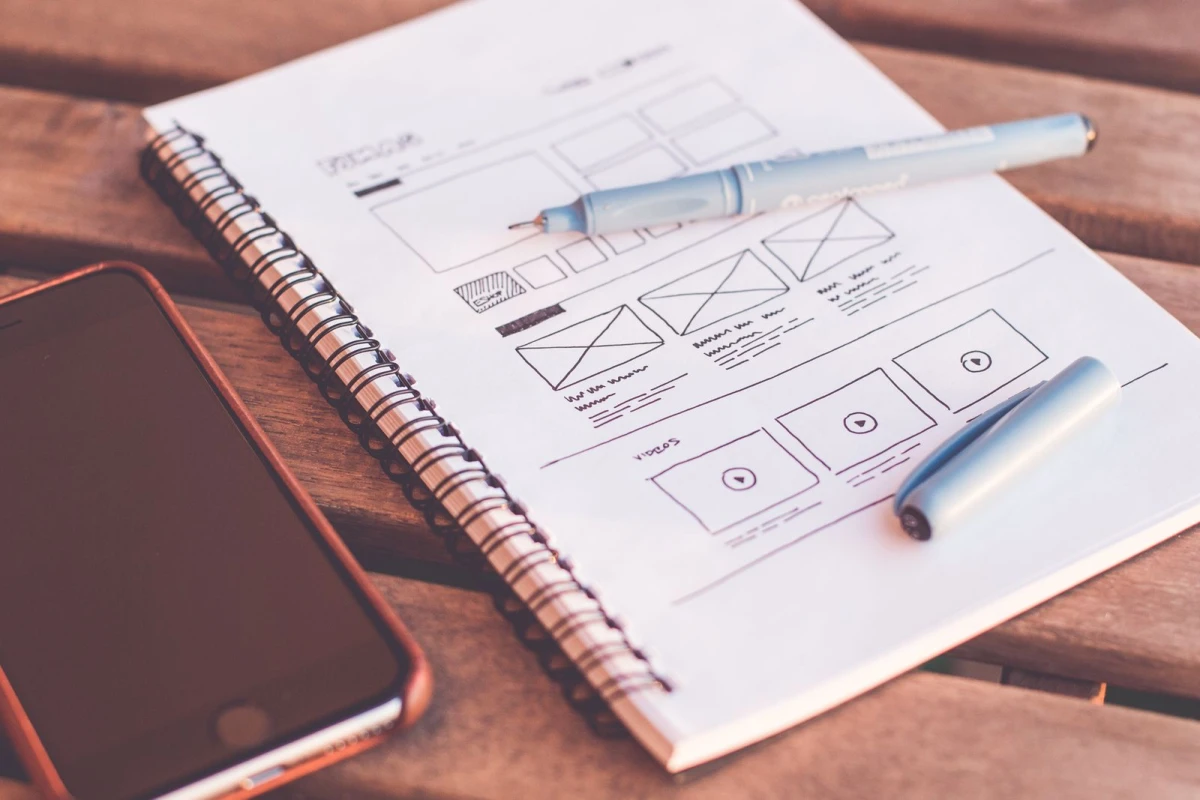
WordPress success starts before installation
A WordPress project should not begin with random theme installation and plugin testing. It should begin with a plan. The business should define pages, content, forms, SEO needs, hosting, security, update responsibility and future growth requirements before development starts.
Planning saves money because it reduces rework. It also helps the developer choose the right theme, plugins and structure instead of building around guesswork.
Page planning
A small business WordPress site may need homepage, about, services, service detail pages, blog, portfolio, testimonials, FAQs and contact. Ecommerce or appointment businesses may need additional pages. Each page should have a purpose and a clear next action.
| Page type | Purpose | WordPress consideration |
|---|---|---|
| Homepage | Guide visitors | Editable sections |
| Service pages | Explain offers | SEO fields and CTAs |
| Blog | Support SEO | Categories and tags |
| Portfolio | Show proof | Image handling |
| Contact | Capture leads | Reliable form plugin |
| Policy pages | Build clarity | Simple editing |
Plugin discipline
Plugins add functionality, but too many plugins can slow the website and increase security risk. Use plugins only when they solve a clear need. Common needs include forms, SEO, caching, security, backups, ecommerce and analytics. Avoid installing multiple plugins that do the same job.
Every plugin should have a reason, a trusted source and a maintenance plan. Unused plugins should be removed.
Hosting and backups
WordPress hosting should be reliable enough for the business. Cheap hosting may work for small sites, but slow servers, poor support or weak backups can create problems. The website should have SSL, backup schedule, file access control and restoration process.
Backups should be tested, not only assumed. A backup that cannot be restored is not a real safety plan.
Forms and lead capture
Contact forms should be tested before launch. The form should save submission or send reliable notifications. If the business uses CRM, leads should be routed properly. A beautiful WordPress site with broken forms is commercially weak.
For WordPress development, hosting setup, forms, SEO, security, maintenance and owner handover, service options are available at https://indianwebservices.com/services.
Owner handover
After launch, the owner should know how to edit pages, publish posts, update images, check forms and request support. A short handover document or video is valuable. Without handover, the CMS advantage is lost.
Pre-launch checklist
- Pages are planned.
- Content is ready or assigned.
- Plugins are limited and justified.
- Hosting and SSL are active.
- Backups are configured.
- Forms are tested.
- SEO fields are filled.
- Owner handover is prepared.
Final lesson
WordPress planning protects the website from plugin clutter, weak structure and maintenance problems. A planned WordPress site is easier to manage and improve.
Content readiness before development
WordPress makes publishing easy, but it does not create business clarity by itself. Before development, prepare service descriptions, FAQs, business details, images, testimonials, portfolio notes and contact information. If content is not ready, the project may depend on placeholder text that later needs heavy rewriting.
A content checklist should be part of the WordPress project. It helps the designer build real sections and helps the developer configure the right modules.
Plugin approval list
Create a plugin approval list before launch. Mention the plugin name, purpose, license, renewal cost, owner and risk level. This prevents random plugin installation later. If staff request a new feature, the business can check whether it needs a plugin, custom code or no change at all.
| Plugin purpose | Approval question | Launch note |
|---|---|---|
| Forms | Where are leads stored? | Test notification |
| SEO | Who fills fields? | Configure sitemap |
| Cache | Does it break forms? | Test after enable |
| Backup | Can restore work? | Test restore path |
| Security | Who reviews alerts? | Assign owner |
Hosting should match WordPress usage
A brochure WordPress site, WooCommerce store and high-traffic blog do not need the same hosting. A store needs stronger performance and backup discipline. A content-heavy site needs reliable caching and media management. Choosing hosting only by lowest price can become costly later.
The hosting plan should support SSL, backups, performance, support access and growth.
Launch checklist for WordPress planning
Before launch, the team should review page content, plugin list, form delivery, admin users, backups, SEO settings, sitemap, speed and mobile layout. A WordPress launch should not happen just because the homepage looks ready. Every important customer path should be tested.
Submit a test enquiry, publish a test blog, upload an image, check SEO fields and confirm backup access. These small checks can prevent many post-launch problems.
- Homepage and service pages reviewed.
- Contact form tested.
- Admin users confirmed.
- Unused plugins removed.
- Backups configured.
- SEO titles and descriptions added.
- Mobile layout checked.
- Handover notes prepared.
What's Your Reaction?
 Like
0
Like
0
 Dislike
0
Dislike
0
 Love
0
Love
0
 Funny
0
Funny
0
 Wow
0
Wow
0
 Sad
0
Sad
0
 Angry
0
Angry
0









Comments (0)