

WordPress Website for Small Businesses: When It Is the Right Choice
A practical WordPress guide for small businesses deciding whether WordPress fits their website, blog, service pages, SEO, maintenance and growth needs.
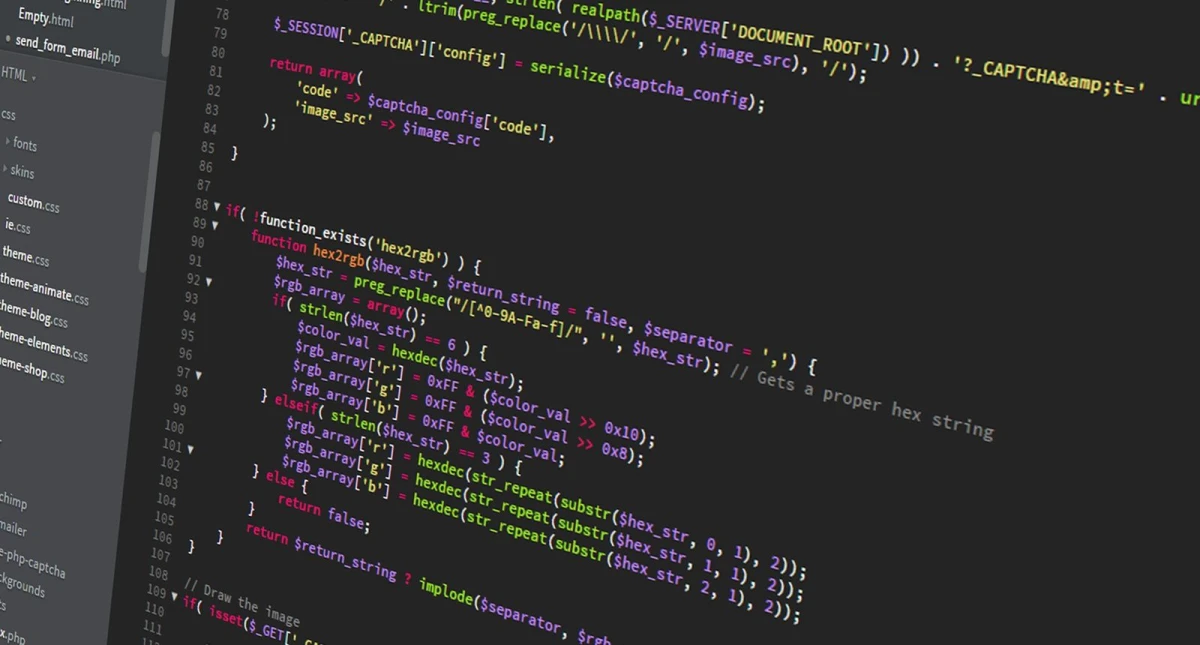
WordPress is useful when the business needs content control
WordPress can be a strong choice for small businesses that need a professional website, service pages, blog publishing, landing pages, portfolio, forms and SEO-friendly content management. It is popular because it gives business owners a way to update content without asking a developer for every small change.
But WordPress is not automatically the best choice for every project. It works well when it is planned carefully, maintained properly and kept lightweight. A poorly built WordPress site with too many plugins can become slow, insecure and difficult to manage.
Where WordPress fits well
WordPress is suitable for service businesses, consultants, local businesses, blogs, portfolios, agencies, simple ecommerce stores and businesses that publish content regularly. If the business needs frequent updates, WordPress can reduce dependency on developers. It also supports SEO content through pages, posts, categories and metadata.
| Business need | WordPress fit | Reason |
|---|---|---|
| Service pages | Strong fit | Easy content management |
| Blog publishing | Strong fit | Built-in posts and categories |
| Portfolio | Good fit | Custom post types or galleries |
| Simple ecommerce | Good fit with WooCommerce | Store features |
| Complex custom portal | Limited fit | May need custom software |
Where WordPress may not be enough
If the business needs complex workflows, custom dashboards, advanced role logic, internal ERP features or highly specialized software, WordPress may not be the right base. It can be extended, but forcing a complex business system into WordPress can create technical debt.
For example, a brochure website or blog is a natural WordPress use case. A multi-department operations platform with custom approvals, reports and user portals may need custom development instead.
Plan structure before choosing a theme
Many businesses begin by choosing a theme. A better approach is to plan the website structure first: homepage, about, services, blog, portfolio, contact, FAQs, landing pages and policies. Then choose or build a theme that supports the structure. This prevents the website from becoming a theme demo with weak business content.
For WordPress website development, service pages, SEO structure, hosting, maintenance, forms or ecommerce setup, businesses can review Indian Web Services services.
Maintenance responsibility
WordPress needs maintenance. Themes, plugins, security, backups, forms and performance should be reviewed regularly. The owner should know who handles updates and support after launch. A WordPress website without maintenance can become risky over time.
WordPress readiness checklist
- The business needs regular content updates.
- Service pages and blog plan are clear.
- Owner or staff can learn basic editing.
- Plugin use will be controlled.
- Hosting and backups are planned.
- Security and updates have an owner.
- The project does not require complex custom software logic.
Final view
WordPress is a good business CMS when it is used for the right purpose. It should be chosen for manageable content, SEO growth and owner control, not simply because it is common.
Choose WordPress for the right operating style
The best WordPress projects have a clear operating style after launch. Someone should know who updates blogs, who updates service pages, who checks forms and who approves content changes. If nobody in the business wants to touch the admin panel, WordPress may still work, but the business should plan an agency or maintenance partner to manage it.
WordPress gives control, but control has value only when it is used responsibly. An owner who publishes FAQs, updates service pages and reviews content monthly can get more value than an owner who launches the site and forgets it.
WordPress versus custom CMS decision
A custom CMS may be better when the business wants a highly controlled admin panel, specific workflows or fewer plugin dependencies. WordPress may be better when the business wants faster content publishing, common plugin support and familiar admin features. The decision should be based on the expected content and operations.
| Requirement | WordPress direction | Custom CMS direction |
|---|---|---|
| Regular blog publishing | Good fit | Possible but needs build |
| Simple service pages | Good fit | Good fit |
| Highly specific admin flow | May become complex | Better control |
| Plugin-based features | Strong ecosystem | Needs custom integration |
| Owner familiarity | Often easier | Depends on build |
Common WordPress misconceptions
WordPress is not automatically cheap if the project needs custom design, ecommerce, speed optimization and maintenance. It is not automatically slow if developed cleanly. It is not automatically secure if ignored. The platform is only one part of the result. Planning, hosting, development quality and maintenance decide the final business value.
A business should ask for a WordPress plan, not only a WordPress installation.
Budget planning for WordPress
WordPress cost should be separated into setup, content, design, plugins, hosting, maintenance and future improvements. A low initial quote may not include premium plugins, content writing, SEO setup or monthly support. Owners should ask what is included and what is optional before starting.
This prevents confusion after launch. A business website is not only a one-time file delivery. It needs updates, backups, speed checks and content improvement if it is expected to support growth.
What's Your Reaction?
 Like
0
Like
0
 Dislike
0
Dislike
0
 Love
0
Love
0
 Funny
0
Funny
0
 Wow
0
Wow
0
 Sad
0
Sad
0
 Angry
0
Angry
0








Comments (0)